Dettato for iPhone & Apple Watch
From wrist
to words.
Record the conversation from your pocket or your wrist. Your Mac writes the transcript. Your iPhone keeps it close.
01 / iPhone recorder
Make room for
the conversation.
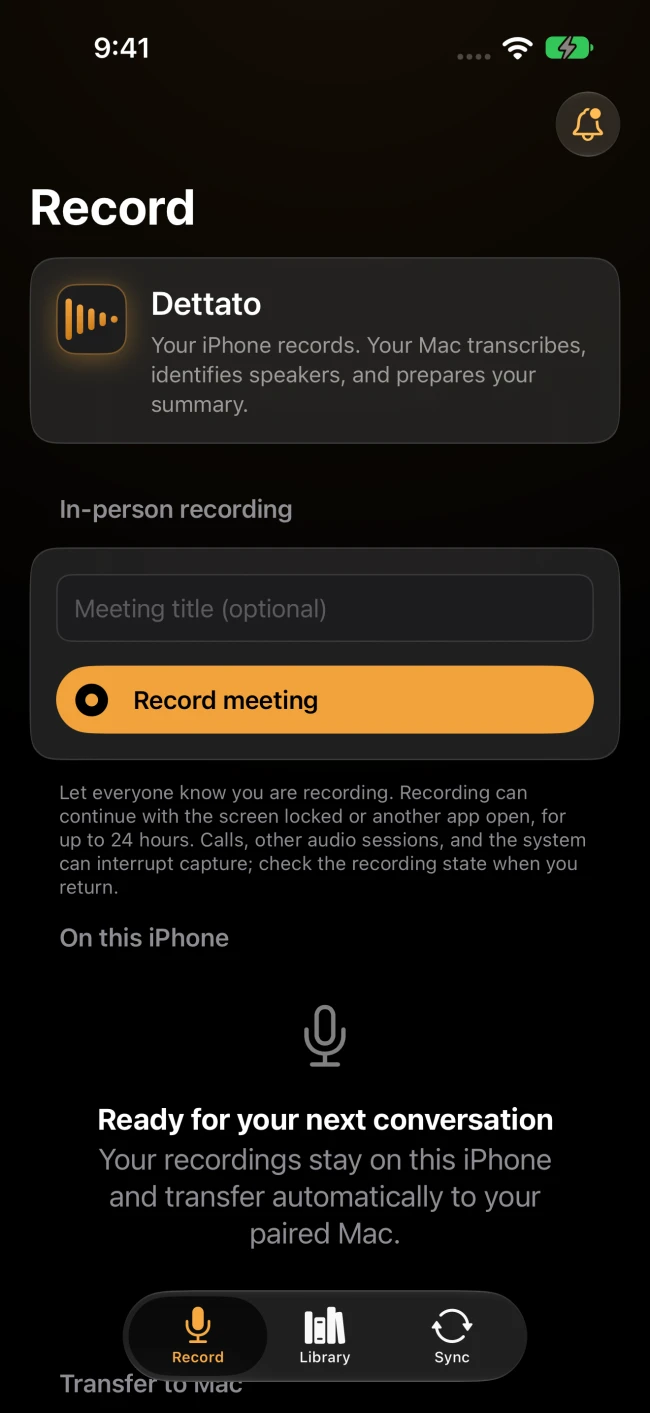
Set your iPhone on the table, let everyone know you’re recording, and put the screen to sleep. Dettato keeps listening.
- Open Record. Add a title if you like, then tap Record meeting and allow microphone access.
- Pause for a break and resume when you’re ready. Dim the screen or set a recording reminder.
- Tap Stop and save. You can play back or share the audio on your phone, even away from your Mac.
02 / Apple Watch recorder
Start from
your wrist.
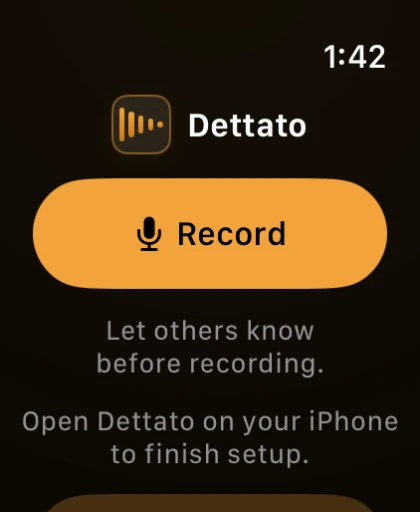
Leave the phone in your bag. The Watch records on its own and holds the audio until your paired iPhone can take it from there.
- Install Dettato on iPhone. If it doesn’t appear on your Watch, open Watch → My Watch → Available Apps on iPhone and tap Install.
- Open Dettato on your Watch, tap Record, and allow the microphone. Lower your wrist or switch apps while recording.
- Tap Stop and save. Open Dettato on the paired iPhone to receive the recording. Follow delivery and processing status on your Watch.
On both devices, reminders default to one hour. Each recording has a 24-hour safety limit. Battery, storage, or a call can cut it short. After an interruption, check the recording and resume or save the retained audio.
03 / Encrypted nearby sync
Bring it back
to your Mac.
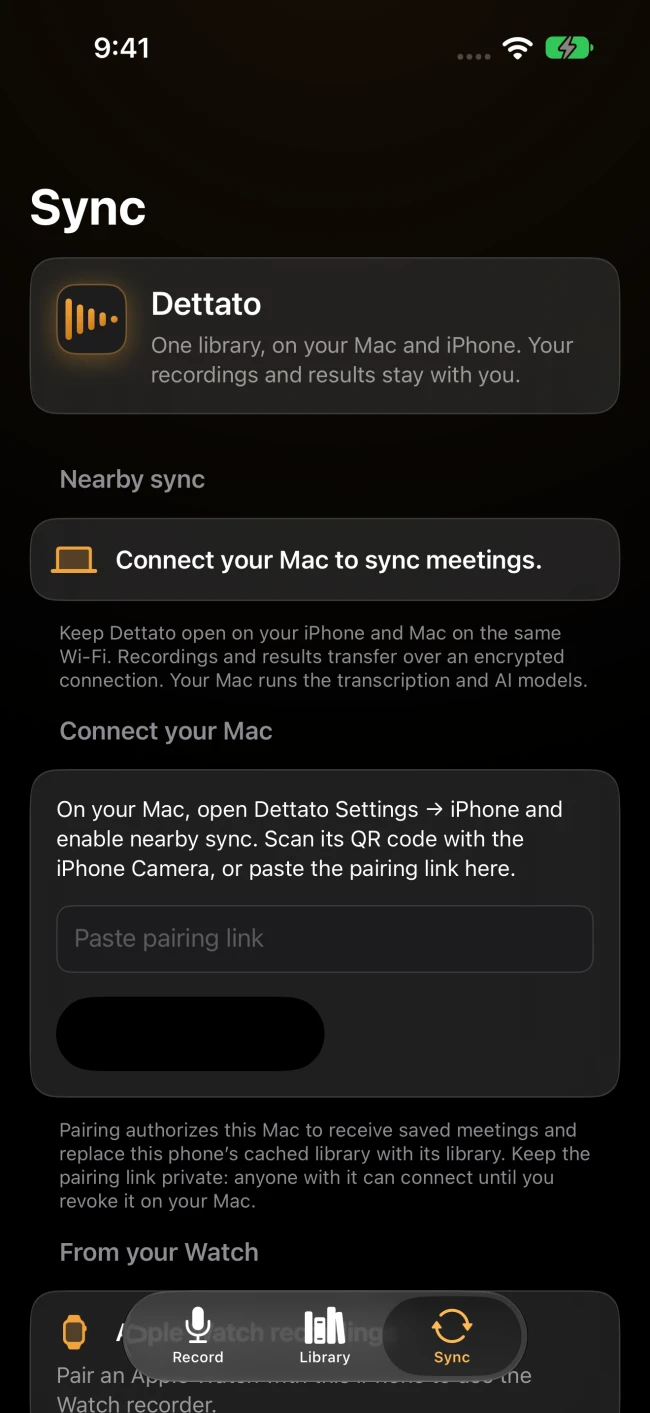
Watch recordings travel through your iPhone. From there, your audio goes straight to your Mac over an encrypted local connection.
- On Mac, choose an on-device engine in Settings → Transcription and download its model if needed.
- Open Settings → iPhone → Pair an iPhone on Mac. Scan its pairing QR code with the iPhone Camera, or paste the pairing link into Dettato’s Sync tab.
- Tap Pair and sync and allow Local Network access when prompted. Keep both apps open on the same Wi-Fi with your Mac awake. Interrupted transfers resume when you reconnect.
04 / Your meeting library
Take the notes
home with you.
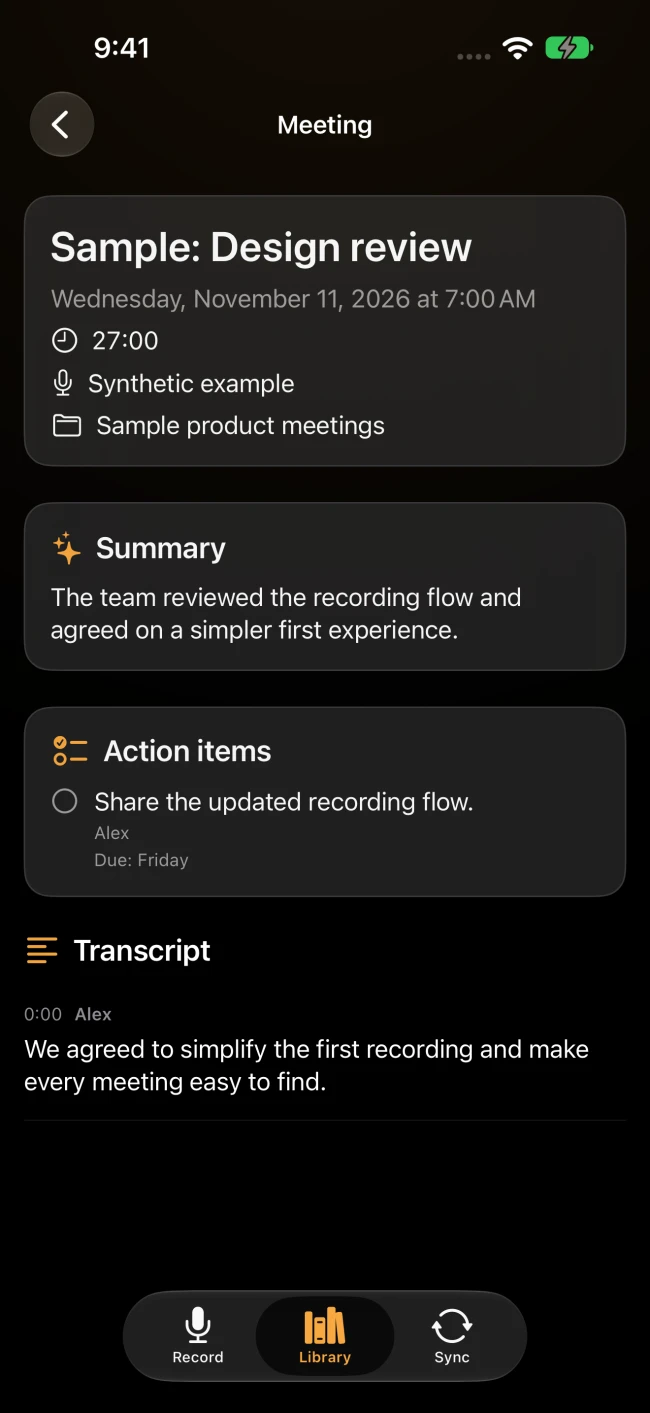
Your Mac transcribes for free. With Pro and the right models set up, it can also identify speakers, write a summary, and pull out action items.
- Check Sync on iPhone or the status on your Watch as the Mac processes your recording.
- Once results sync back, open Library on iPhone and select the meeting. The transcript can arrive before the summary.
- Read the downloaded notes offline. Your original iPhone audio stays on the phone for playback and sharing.
Get Dettato
Ready for your
next conversation?
The free iPhone download includes the Apple Watch app. Add Dettato on Mac for transcription and nearby sync.
iOS 26+ · Paired Apple Watch with watchOS 26+
Mac processing requires Apple Silicon, macOS 26+, and Dettato 1.19.0 or later.